Say how you want your photo to look.
Describe a look, or match another photo’s colours. The AI sets the sliders, and you fine-tune them. Free to try, no account needed to edit.
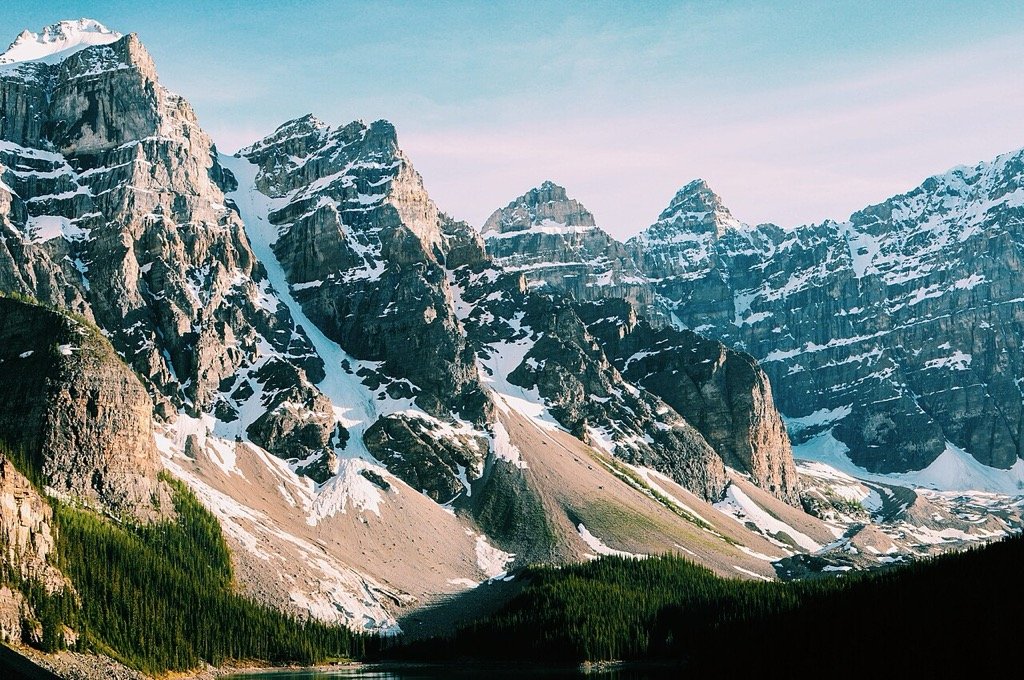
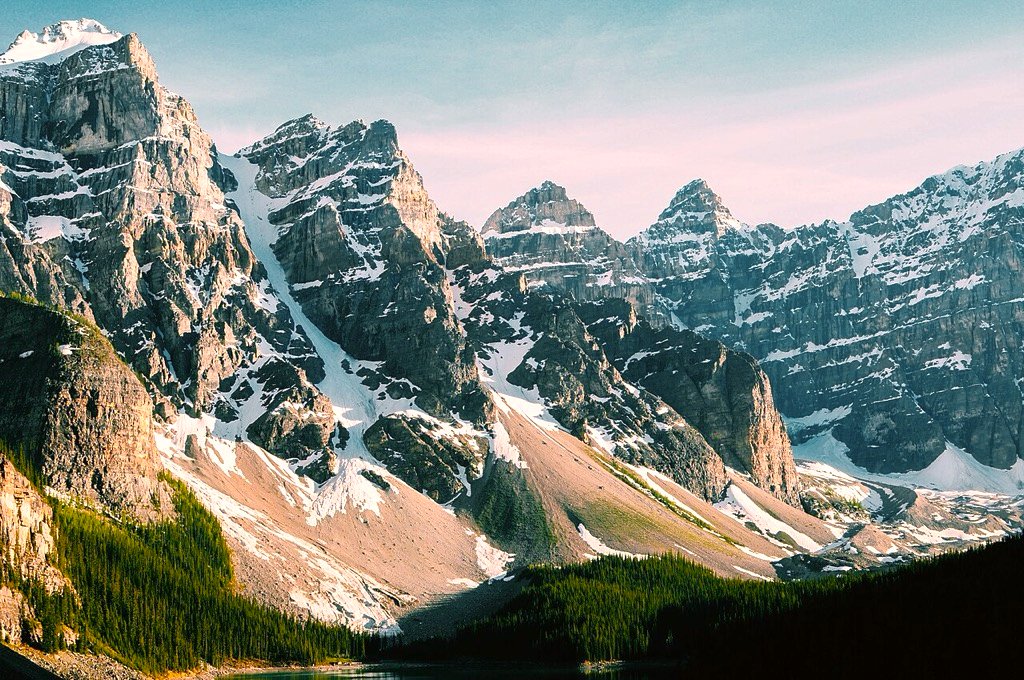
Typed: “golden hour forest”
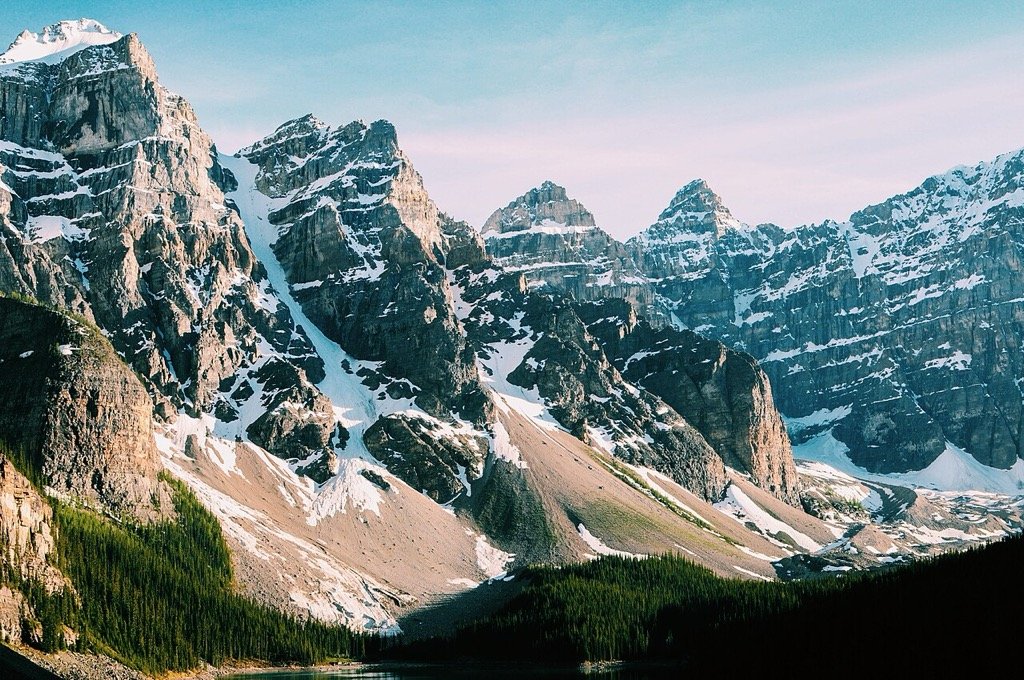
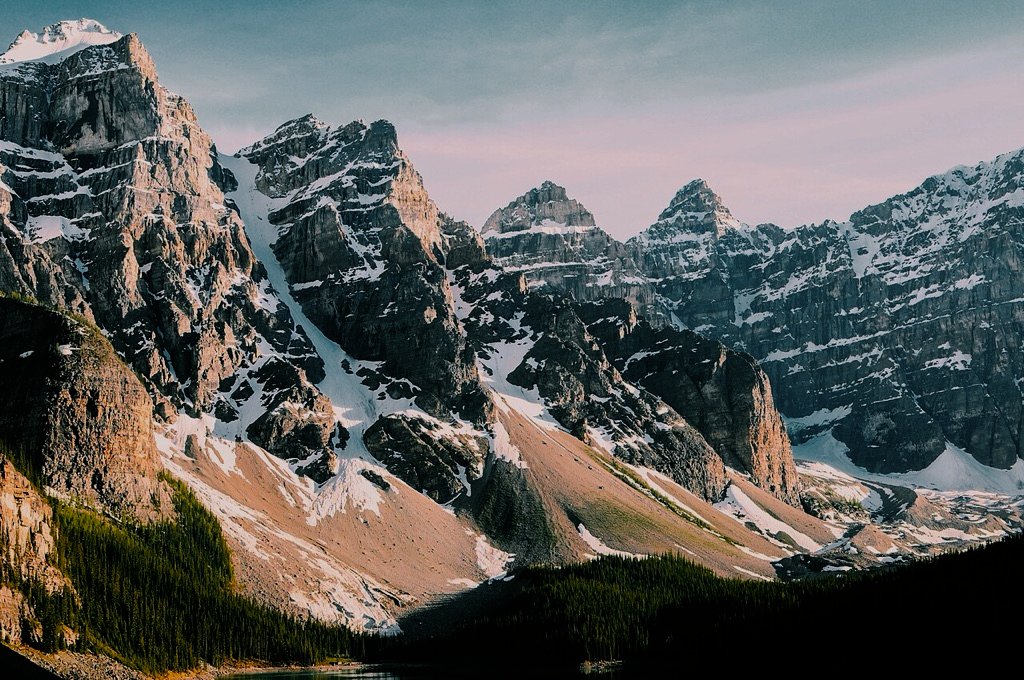
- Pulled highlights -25 and opened shadows +20 with a touch of contrast to keep snow detail and bring out the trees in a soft, low-sun look.
- Warmed temperature +35 with a slight magenta tint and vibrance +18 for a golden-hour glow.
- Shifted greens toward yellow and boosted yellows and oranges for golden foliage, while muting the blue and aqua sky so the warmth dominates.
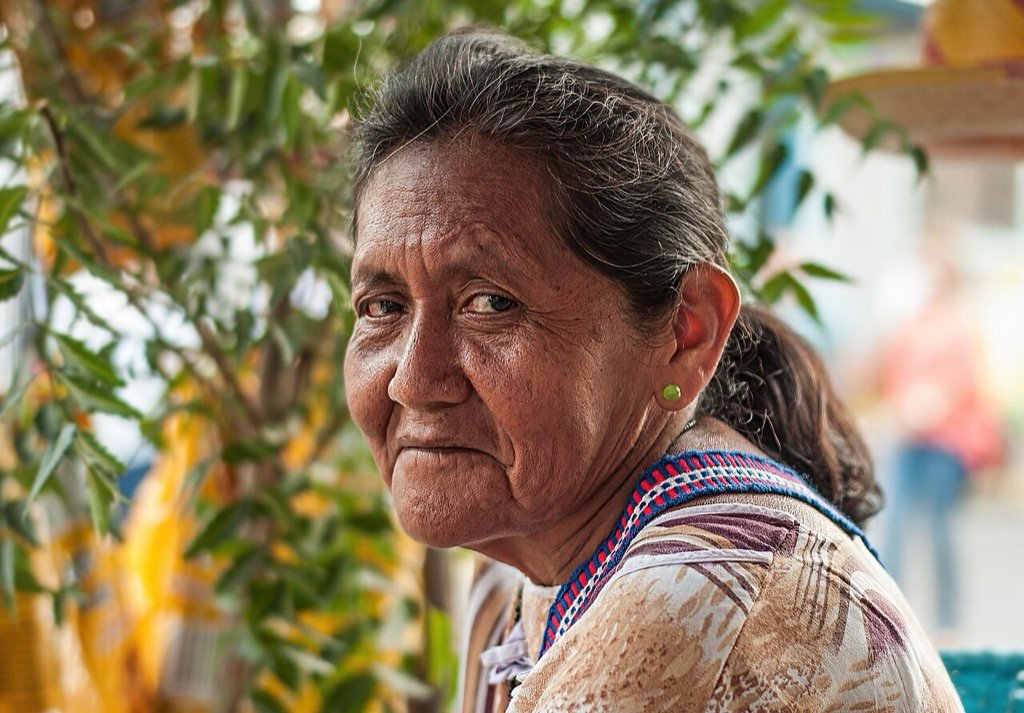
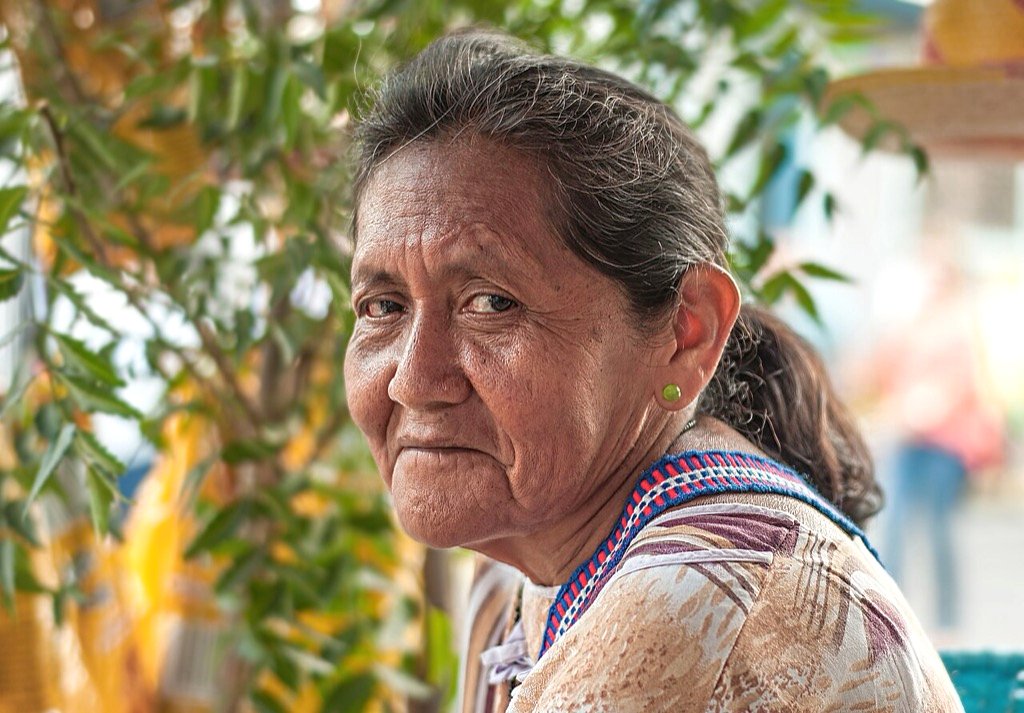
Typed: “brighter, softer skin”
- Raised exposure +0.3 and opened shadows +20, with slightly lower contrast and highlights -10 to brighten the face and soften harsh texture without clipping the background.
- Lightened the orange and red bands and eased their saturation a little to give smoother, brighter skin tones.
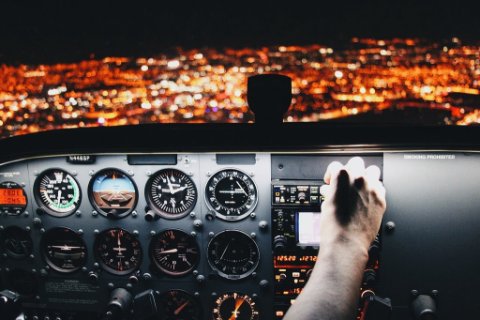
Matched to a reference photo’s colours
- Pulled exposure down -0.6 EV, deepened blacks -25 and shadows -20 with a little extra contrast to get the dark, moody night-cockpit look.
- Warmed the image +22 with a touch of magenta tint to move the cool cast toward the reference's amber glow.
- Muted and darkened the aqua and blue bands, and boosted orange and red saturation, to bring the palette toward warm city lights.
How it works
- 01
Say what you want
Type a look in plain words, like “moody forest” or “warmer skin”, or drop in a photo whose colours you like.
- 02
The AI sets the sliders
It chooses values for 34 Lightroom-style controls. It never repaints or invents pixels; your photo stays your photo.
- 03
Fine-tune and export
Every slider stays editable, with undo and before/after. Export a JPEG when it looks right.
Your photos stay yours
Location data is removed before anything is uploaded. The AI only sees a small preview and returns slider settings, never pixels. Delete a project or your account and the photos go with it. Privacy
Free, with Pro when you need more
Free includes 20 AI suggestions a month. Pro has 300, more saved projects and full-resolution export, for $9 a month or $86 a year. Pricing